What a good building asset list includes (free template)
The fields every building equipment list needs, how to build one in a few days, and how to keep it current. Includes a free spreadsheet template.
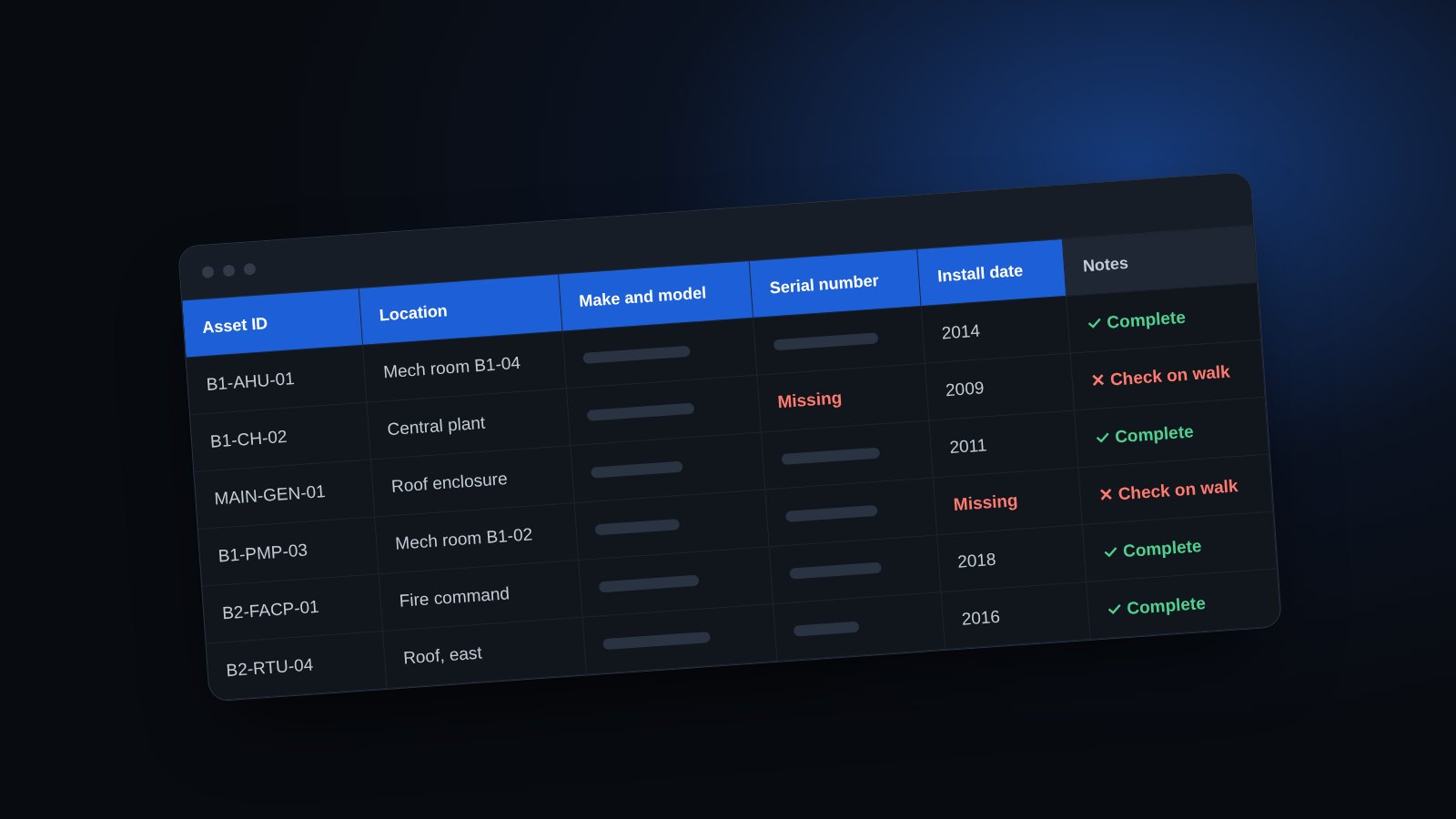
Ask a facilities team for their equipment list and you'll usually get one of three answers: a CMMS export nobody trusts, a spreadsheet someone started years ago, or a pause. All three are common, and all three cause the same problem. When something breaks, the first twenty minutes go to finding the equipment, its model number and whoever last worked on it.
A good asset list is the building's contact list. It doesn't fix anything by itself, but every repair, every new hire, every CMMS rollout and every AI tool starts from it.
The core record: five fields
If you only record five things for each piece of equipment, make it these:
- Location: building, floor and room, specific enough that a new technician could walk to it.
- Make and model: needed for parts, manuals and service calls.
- Serial number: needed for warranty claims and recalls.
- Install date: the simplest way to see what's nearing the end of its life.
- A unique ID: one name per unit, used everywhere, such as B1-AHU-01.
Get these right for your critical equipment and you're ahead of most buildings.
What to add next
Once the core is in place, these fields add the most value:
- Criticality: how bad a failure would be. A simple 1 to 3 scale works.
- Maintenance schedule: what preventive work is due, and how often.
- Warranty end date: so you don't pay for repairs that should be covered.
- Nameplate photo: a picture settles most arguments about model numbers.
- Linked manual or procedure: so the instructions are one click from the record.
- Condition or replacement cost: useful when it's time to plan capital budgets.
- Notes and quirks: the things a new person would get wrong.
How to build one in a few days
Start with critical equipment
Don't try to list every exhaust fan on day one. Start with what would hurt most if it failed: chillers, boilers, generators, transfer switches, switchgear, fire pumps and main air handlers. That's often a few dozen units, and it covers most of the risk.
Walk the building with a phone
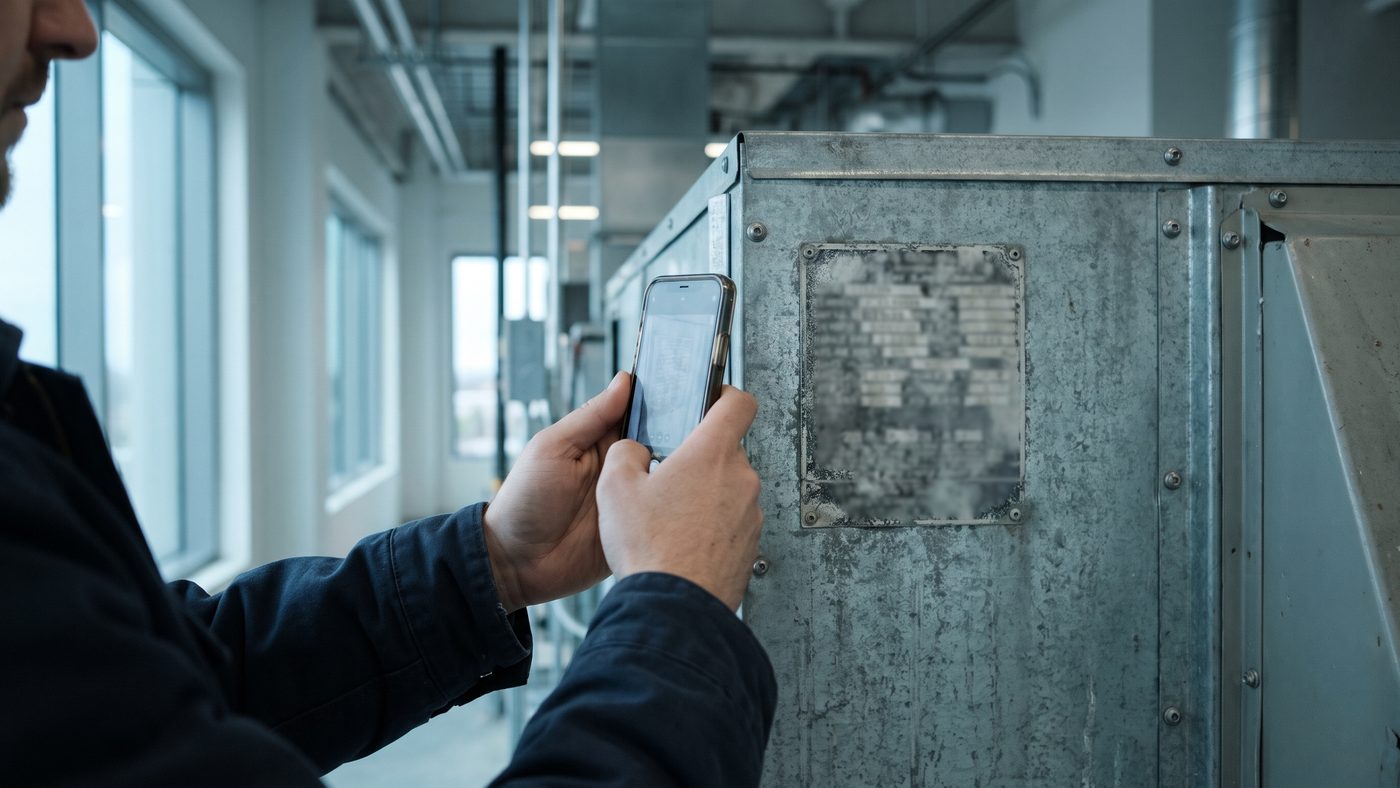
Photograph each nameplate straight on, plus one wider photo showing where the unit sits. Name the photos with the equipment ID. A day of walking usually beats a week of digging through old submittals.
Fill the spreadsheet the same week
Transfer the photos into one row per unit while the walk is fresh. Leave a cell blank rather than guess. Blank cells tell you what to check next time.
How to keep it current
Most lists start strong and drift. Equipment gets replaced, and nobody updates the record. Two habits prevent most of that:
- A rule for changes. No new equipment goes live without a row in the list. Add it to your project closeout checklist and ask contractors to hand over make, model, serial number and install date with every job.
- A yearly walk. Once a year, print the list for each building and check it room by room.
Physical tags or QR codes that match the list help too. They make it obvious which record belongs to which unit.
Why it matters for AI
Predictive maintenance, energy tools and technician assistants all depend on knowing what equipment exists and how old it is. A tool can't forecast failures on equipment it doesn't know about. If AI is on your roadmap, the asset list is the first thing to fix.
Get the template
The free Torchpass asset list template includes the core columns highlighted, dropdowns for system and criticality, a criticality guide and naming rules. It works in Excel and Google Sheets.
Already have a list? The free asset list checker reads your spreadsheet or CMMS export right in your browser and shows which records are missing what. Nothing is uploaded.
For the bigger picture, the free Torchpass screening scores your asset list alongside knowledge risk and AI readiness, and gives you a plan to close the gaps.
Suggest an edit or a topic
Keep reading
 Knowledge risk
When your chief engineer retires, what leaves with them?
Five signs your building depends on one person's memory, and three practical steps to capture what they know before they leave.
 AI readiness
Is your building data ready for AI? Five things to check first
Before you sign up for an AI tool for facilities, check these five areas: equipment records, work order history, procedures, BAS data and ownership.