Is your building data ready for AI? Five things to check first
Before you sign up for an AI tool for facilities, check these five areas: equipment records, work order history, procedures, BAS data and ownership.

Most facilities teams are being asked about AI right now. Sometimes it starts with a vendor demo, sometimes with a question from leadership, sometimes with a new feature in the CMMS. The tools are improving quickly. In most buildings, the data they depend on hasn't changed much in years.
AI tools for facilities learn from the same few sources: equipment records, work order history, procedures and building automation data. If those are incomplete, the tool will still give answers. They'll just be confident answers built on gaps.
The surveys show the same tension. In a 2026 Johnson Controls survey of 260 US facilities managers, 67% said their teams already use AI and 61% plan to expand it in the next year. The barrier they named most often was data quality and integration. In the UK, a 2026 MRI Software survey of 188 facilities professionals found 52% aren't confident their data is accurate enough to support AI.
Here are five areas worth checking before you sign up for anything.
1. Your equipment list
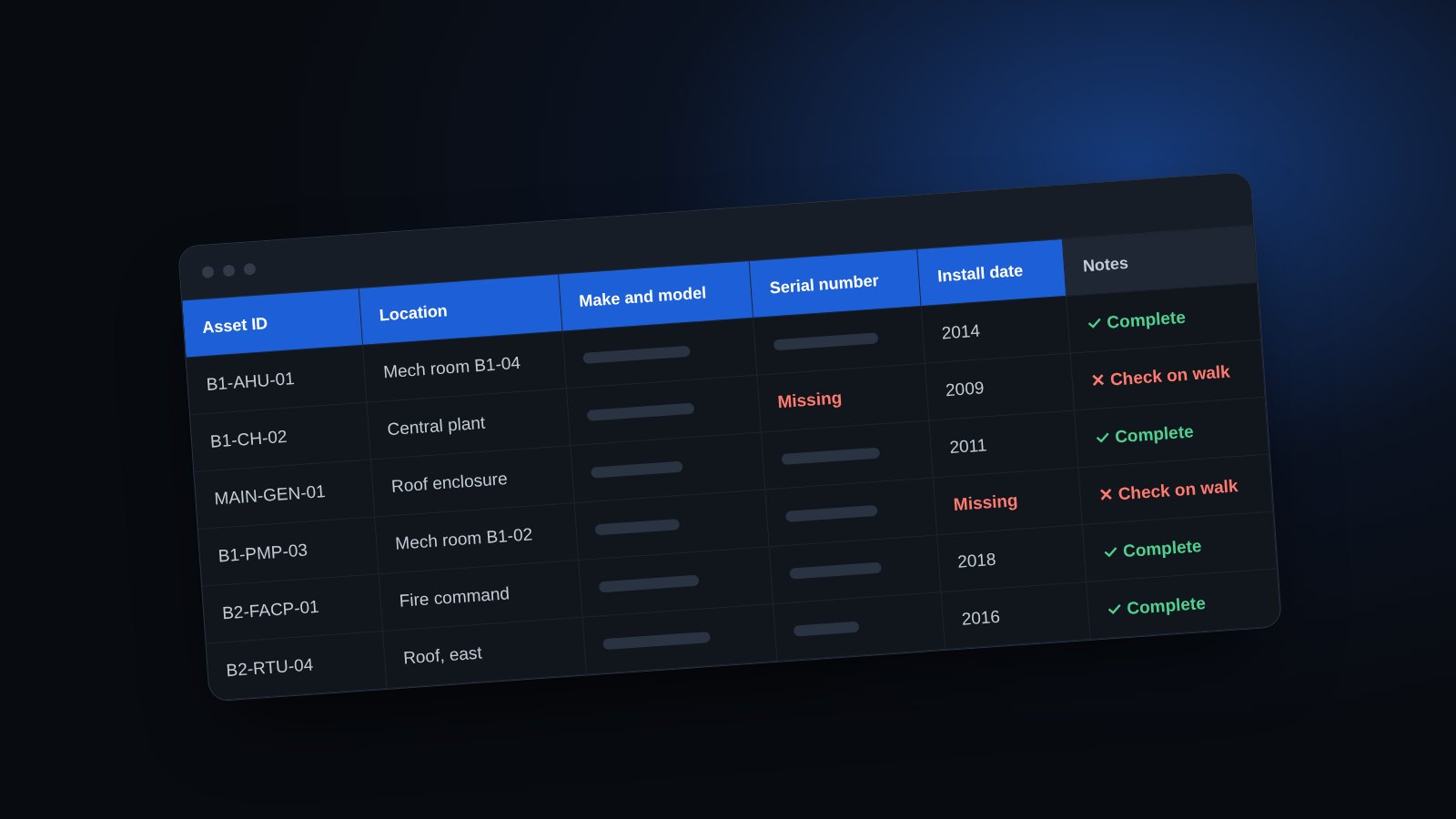
Start with the basics. For each major piece of equipment, do you have the location, make, model, serial number and install date? A predictive maintenance tool can't forecast failures on a chiller it doesn't know exists, and an assistant can't find the right manual without the right model number.
Quick check: pick ten critical assets at random and see how many have all five fields filled in.
2. Your work order history
AI looks for patterns in what failed, when and why. Notes like “fixed it” or “reset unit” make that nearly impossible. Problem and cause codes, even a short list of 10 to 15, turn your history into something you can trend.
Quick check: read your last 20 closed work orders. How many tell you what actually went wrong?
3. Your procedures
An AI assistant can only repeat what's written down. If your procedures are out of date, missing or living in one person's head, the assistant fills the gaps with general advice that may not fit your building.
Quick check: ask your team which procedure they look up most, then check when it was last updated.
4. Your building automation data
Fault detection and energy tools need trend data: temperatures, run hours and energy use over time. In many buildings that data only lives on the BAS screen, or isn't kept for long.
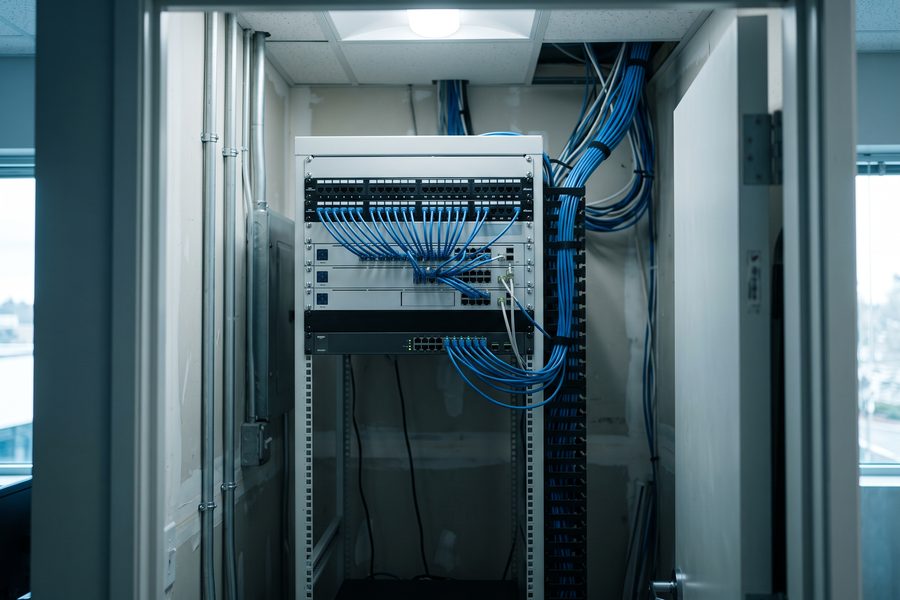
Quick check: ask your controls contractor which points are trended, how long the history is kept and whether you can export it.
5. Ownership and rules
Data drifts out of date when keeping it accurate is everybody's job. One named owner with a little time each month makes a real difference. It also helps to agree with IT early on the rules for using AI with company data, since that conversation can stall a rollout if it starts late.
Quick check: if new equipment were installed tomorrow, who would add it to the system, and how soon?
Different uses need different things
A technician assistant mostly needs good procedures and a decent equipment list. Work order triage needs consistent history in a CMMS. Fault detection needs trend data. Predictive maintenance needs all of it at a high standard, which is why it's usually the last use to work well.
That's good news. You don't have to fix everything before you get value. Pick the use that matters most to your team and work on what it needs first.
Score your building
The Torchpass screening includes an AI readiness score built on these five areas. It shows which one is holding you back, which AI uses your data could support today and a phased plan to close the gap. It's free and your answers stay on your device.
Sources
- Johnson Controls: Top 3 insights from our 2026 AI survey of facilities managers (260 US respondents)
- MRI Software: AI momentum grows in UK facilities management, yet 52% lack confidence in their data (May 2026, 188 UK respondents)
Suggest an edit or a topic
Keep reading
 Asset list
What a good building asset list includes (free template)
The fields every building equipment list needs, how to build one in a few days, and how to keep it current. Includes a free spreadsheet template.
 Knowledge risk
When your chief engineer retires, what leaves with them?
Five signs your building depends on one person's memory, and three practical steps to capture what they know before they leave.